Products


How to find the part you need?
Search by model number
Locate the product label on your product. The model number is printed next to “Model” (example: JCB36N2A-230). Use this code in the search bar to find the exact compatible part.


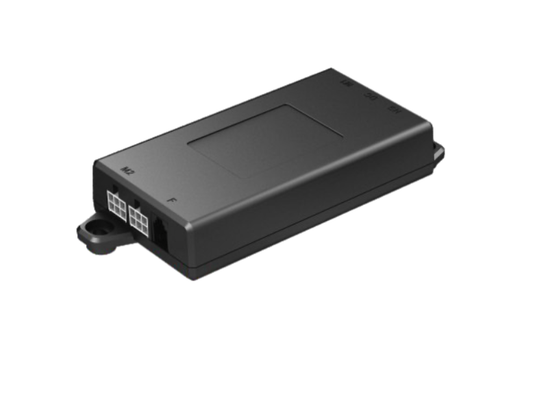
Control Box JCB36N2
€54,00
€54,00
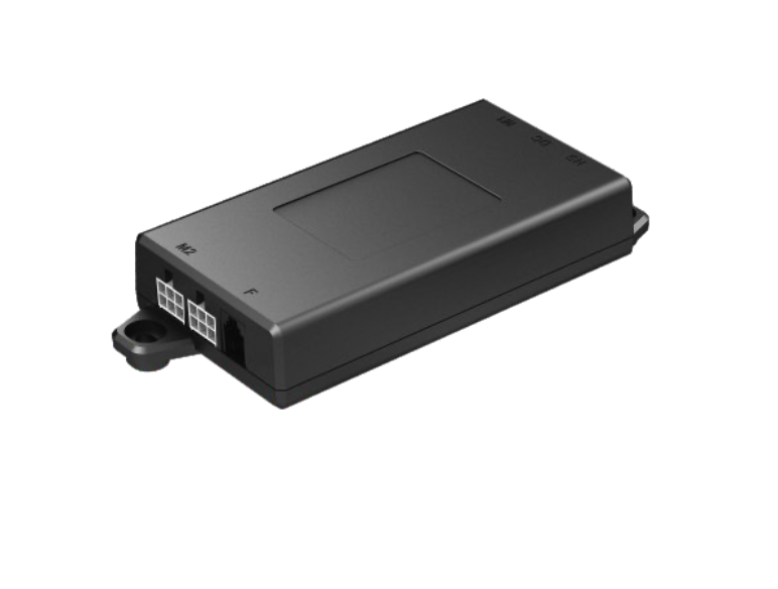
Control Box JCB36N2
€54,00
€54,00
Control Box JCB36N2
€54,00
€54,00
Desk won't move
Diagnosis:
- This is usually caused by a faulty control box or power supply issue.
Recommended Solution:
- The control box is likely the culprit. Check power connections first, then replace the control box.
Desk moves up but not down (or vice versa)
Diagnosis:
- This typically indicates a motor connection issue or control box fault.
Recommended Solution:
- First, try swapping motor cables at the control box. If that doesn't work, the control box needs replacing.
Uneven movement
Diagnosis:
- This is usually a motor synchronisation issue controlled by the control box.
Recommended Solution:
- The control box handles motor synchronisation. Replace it to restore smooth, level movement.
Error code
- H01 - Overheat: Rest for about 20min, automatic recovery
- E01 - M1 Overcurrent protection: Control box board failure, check if the table is overloaded or if there is a jamming phenomenon
- E07 - M1 Column hall signal error: Check if the column connecting line is normal both between the column and the adapter line, if problem persist replace the connection line
- E02 - M2 Column overcurrent protection: Control box board failure, check if the table is overloaded or if there is a jamming phenomenon
- E08 - M2 Column hall signal error: Check if the column connecting line is normal both between the column and the adapter line, if problem persist replace the connection line
- E03 - M3 Column overcurrent protection: Control box board failure, check if the table is overloaded or if there is a jamming phenomenon
- E09 - M3 Column hall signal error: Check if the column connecting line is normal both between the column and the adapter line, if problem persist replace the connection line
- E04 - M4 Column overcurrent protection: Control box board failure, check if the table is overloaded or if there is a jamming phenomenon
- E10 - M4 Column hall signal error: Check if the column connecting line is normal both between the column and the adapter line, if problem persist replace the connection line
- E05 - M5 Column overcurrent protection: Control box board failure, check if the table is overloaded or if there is a jamming phenomenon
- E11 - M5 Column hall signal error: Check if the column connecting line is normal both between the column and the adapter line, if problem persist replace the connection line
- E06 - M6 Column overcurrent protection: Control box board failure, check if the table is overloaded or if there is a jamming phenomenon
- E12 - M6 Column hall signal error: Check if the column connecting line is normal both between the column and the adapter line, if problem persist replace the connection line or Control box undervoltage protection: Disconnect the power cord for more than 1 min, reset and ensure the the power cord is connected, if error persist controller needs to be replaced
- E13 - Tilt protection: Check wether the columns with lower heigths have slipped or are damaged and make sure the load on one side does not exceed rated value or Bad connection of A/B controlbox: Check connection cable between A/B control box is connected, if yes replace the cable. If E13 error continues, replace controller

How to reset your desk
Watch this tutorial video to reset your desk; Video